Centurylink GPON Internet: Plans, Costs, and Access Options
Centurylink GPON internet is built on fiber-to-premises technology designed for stable, high-capacity connectivity. This guide explains what GPON typically means, how GPON-based access compares with cable and fixed wireless providers, and how to evaluate plans around price, speeds, and equipment. It also provides a low-cost access checklist, a pricing overview by region, and practical FAQs.
At a glance: what to know about Centurylink GPON
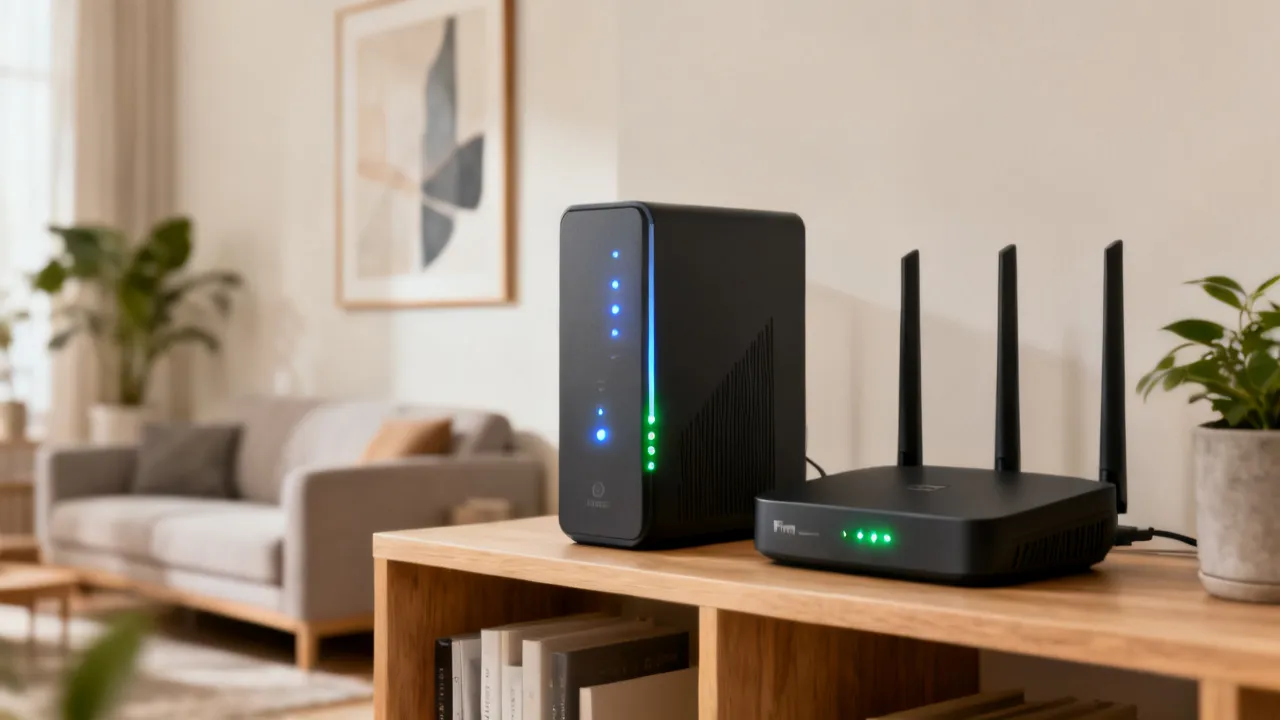
Centurylink GPON refers to a fiber access method—GPON (Gigabit-capable Passive Optical Network)—that delivers internet through shared fiber segments using passive splitters. For households and small businesses, the practical outcome is often reliable performance with strong downstream capacity, assuming the local network is well provisioned and the premises equipment is configured correctly.
When comparing options, the decision usually comes down to three factors: (1) the access technology (GPON fiber, cable, or fixed wireless), (2) the plan’s practical throughput after congestion and Wi‑Fi conditions, and (3) total monthly cost including equipment terms (such as whether a gateway or modem is included).
Why “GPON” matters for real-world internet quality
In a GPON architecture, the provider uses passive optical splitters in the outside plant. This design helps reduce the need for active electronics at each split point, which can support scaling. However, GPON is not “unlimited performance.” Like any shared medium, performance can vary with neighborhood usage patterns, especially during peak hours.
For homeowners evaluating Centurylink GPON, the expert lens is to look beyond headline speeds and ask: Does the plan offer symmetrical capability (upload/downloading balance), what equipment is included, and are there documented policies for speed transparency, latency expectations, and service reliability? Fiber access often offers advantages for latency-sensitive activities (video calls, gaming, and cloud backups), but Wi‑Fi and internal wiring can still be the limiting factor.
Another practical nuance is that GPON systems typically share capacity among multiple premises within a service group. That means your experience is influenced not only by your subscribed speed tier, but also by (a) the total number of homes sharing that segment, (b) how the provider schedules and provisions bandwidth, and (c) whether congestion happens at the access network, at the backhaul, or within the local Wi‑Fi environment.
In other words, “fiber is fast” is often true in the structural sense, but your day-to-day outcome depends on the end-to-end path: optical line → ONT/gateway → internal Ethernet or Wi‑Fi → device performance → application behavior (buffering, retransmissions, traffic shaping) and possibly even your local DNS/cache conditions.
How GPON compares in the same household to other access technologies
Many internet buyers compare fiber to cable providers and, in some regions, to fixed wireless. The reference alternatives include Xfinity, AT&T Fiber, Spectrum, T‑Mobile 5G Home Internet, Astound Broadband, and Verizon Fios. While each company’s offerings differ by coverage and infrastructure, the decision framework is consistent:
- Fiber (including GPON): Often strong consistency and favorable latency; capabilities can be symmetrical depending on the platform.
- Cable internet: Frequently offers strong downstream speeds, though capacity can vary as neighborhood demand changes.
- Fixed wireless (e.g., 5G home): Can be a practical option where fiber is unavailable; performance depends on signal quality and local radio conditions.
From a household perspective, fiber commonly shines in three areas:
- Lower and more stable latency: Important for real-time communication, online gaming, and interactive video conferencing.
- More predictable performance under typical utilization: Especially compared to shared coax segments that can experience larger variability during congestion.
- Potentially better upload capacity: Many fiber offerings are symmetrical or closer to symmetrical than typical cable tiers, which affects cloud backup times, video calls, and sending large files.
That said, cable can still be an excellent value, especially if your area isn’t heavily congested and if your plan includes unlimited data. Fixed wireless can be a strong temporary or “best available” solution when fiber isn’t present, but it is more sensitive to placement, local interference, and weather conditions depending on the provider’s network design.
How Centurylink GPON typically fits among major alternatives
Many internet buyers compare fiber to cable providers and, in some regions, to fixed wireless. The reference alternatives include Xfinity, AT&T Fiber, Spectrum, T‑Mobile 5G Home Internet, Astound Broadband, and Verizon Fios. While each company’s offerings differ by coverage and infrastructure, the decision framework is consistent:
- Fiber (including GPON): Often strong consistency and favorable latency; capabilities can be symmetrical depending on the platform.
- Cable internet: Frequently offers strong downstream speeds, though capacity can vary as neighborhood demand changes.
- Fixed wireless (e.g., 5G home): Can be a practical option where fiber is unavailable; performance depends on signal quality and local radio conditions.
In practice, the “fit” of a Centurylink GPON connection depends on whether your home layout and device environment can actually exploit the bandwidth you pay for. A 1 Gbps tier means little if your Wi‑Fi coverage is poor or your devices are limited to older Wi‑Fi standards. Similarly, a 300–500 Mbps tier can feel excellent if you have stable Wi‑Fi, a good router, and minimal packet loss.
For many users, the best plan is not the maximum tier—it’s the tier that matches the number of concurrent devices and the quality of your in-home network, especially during busy hours.
Provider comparison (technology, packages, and extras)
The following table summarizes example plan categories and typical add-ons using the provided reference packages. Because availability depends on address, treat these as category-level comparisons rather than guarantees.
| Internet provider | Example packages (speed tier focus) | Notable add-ons / inclusions |
|---|---|---|
| CenturyLink (Centurylink) GPON | GPON fiber plans vary by region | Fibre-based access method; actual included equipment and router policies vary by order |
| AT&T Fiber | 300 Mbps / 500 Mbps / 1 Gig tiers | Symmetrical upload/download on fiber plans; Wi‑Fi gateway included; autopay discount typically applied |
| Xfinity | Up to 50 Mbps / up to 100 Mbps tiers | No good contracts; access to Xfinity Wi‑Fi hotspots; equipment rental may apply for some plans |
| Spectrum | Up to 500 Mbps / up to 1,000 Mbps tiers | Unlimited data; no contracts; modem included; potential price increases after intro period |
| Verizon Fios | 300 Mbps tier / 1 Gigabit tier | Fiber connection; symmetrical speeds; Wi‑Fi router included; autopay pricing commonly referenced |
| T‑Mobile 5G Home Internet | 72–245 Mbps typical range | Fixed wireless 5G; suitable for areas without fiber; pricing may vary by customer eligibility |
| Astound Broadband | Introductory tiering up to ~300 Mbps | Regional availability; promotional price guarantees for select plans |
source: www.xfinity.com
source: www.att.com
source: www.spectrum.com
source: www.t-mobile.com/isp
source: www.astound.com
source: www.verizon.com/home/fios/
Note: The table includes Centurylink GPON as a technology category; exact plan names and inclusions should be verified at the time of ordering because policies can change by market.
Price range overview (by region, rephrased)
Internet costs vary due to infrastructure density, competition, and service-level differences (fiber vs. cable vs. wireless). The following ranges rephrase the provided reference guidance and should be treated as typical market expectations rather than universal pricing.
| Region | Approximate monthly price range (typical) |
|---|---|
| United States | About $30–$100+ (fiber and broadband choices; faster 100 Mbps to 1 Gbps often cost more) |
| United Kingdom | About £25–£60+ (common options across areas; typical speeds often 30–100 Mbps) |
| Canada | About CAD 50–CAD 100+ (fiber and broadband packages from ~25 Mbps up to 1 Gbps) |
| New Zealand | About NZD 60–NZD 100+ (many households choose fiber or VDSL; speeds can reach 100 Mbps or higher) |
| Australia | About AUD 60–AUD 110+ (fiber expansion continues; typical speeds often 50–100 Mbps) |
| Singapore | About SGD 30–SGD 60+ (fiber availability is broad; competition can keep pricing relatively lower) |
How to access the internet at a low cost (step-by-step expert checklist)
Lowering monthly spend is rarely about chasing the lowest advertised number. From an industry perspective, the key is to control total cost of ownership (monthly fee + equipment + installation + taxes/fees) and to reduce avoidable inefficiencies (unused speed tiers, suboptimal Wi‑Fi, and penalties).
Because internet is a service that relies on both network capacity and your home’s internal configuration, the “best deal” is often the one that minimizes friction: fewer outages, fewer service calls, fewer Wi‑Fi dead zones, and fewer unexpected charges. Even small recurring costs—like monthly equipment rental or Wi‑Fi booster purchases—can outweigh a modest difference in plan price over a year.
1) Start with an “actual need” speed target
- Light use (email, streaming SD/HD occasionally): often does not require a 500 Mbps plan.
- Households with multiple concurrent streams, cloud gaming, or regular video calls: plan for higher throughput and better latency stability.
- Work-from-home and backups: prioritize upload performance when available (fiber plans sometimes provide better symmetry).
It can help to translate “needs” into behaviors rather than abstract speed numbers. For example, if you often upload large documents for work, or if you run cloud backups, upload rate matters more than most people expect. Similarly, if multiple family members stream simultaneously while you’re in a video meeting, stable latency and low packet loss matter just as much as raw downstream throughput.
Consider typical home usage patterns:
- Video streaming: Usually downstream-heavy, but buffering is influenced by latency spikes and packet loss as well as bandwidth.
- Video conferencing: Both upload and latency sensitive. A plan with strong upload can reduce quality dips.
- Gaming: Latency and jitter matter more than maximum bandwidth, especially for competitive play.
- Home office + VPN: VPN performance can be sensitive to packet loss. Even with high bandwidth, poor stability can reduce performance.
- Smart home devices: These often use very little bandwidth, but they rely on stable connectivity and correct Wi‑Fi placement.
2) Compare fiber vs. cable vs. fixed wireless by scenario
- If Centurylink GPON fiber is available, fiber-based plans can reduce latency and provide steadier performance—useful for meetings and consistent video quality.
- If cable is your primary option, look for unlimited data and review whether intro rates rise after the first year.
- If fixed wireless (such as 5G home) is considered, evaluate whether the signal is strong at the intended router location (near windows or exterior walls may improve results).
A scenario-based comparison helps avoid “apples-to-oranges” decisions. For example:
- If you live alone and stream occasionally: A cable plan with good Wi‑Fi might be cheaper and “good enough.”
- If you host video calls daily: Fiber’s upload stability often improves call reliability. But the internal router still matters.
- If you have no fiber and fixed wireless is the only option: Your priority shifts to signal quality, installation placement, and potential data caps or priority rules.
- If you have many devices: Wi‑Fi performance and router capacity (not just bandwidth) become the deciding factor.
3) Price the entire term, not only the “intro” line
Many plans have introductory pricing and later price adjustments. When comparing Centurylink GPON against cable or fixed wireless, estimate your likely cost across at least 12 months and include possible equipment rental. For example, the reference packages mention equipment rental (in some cases), gateway/router inclusion, and potential post-promotion increases. Those details can change the real monthly cost more than the speed difference.
From a consumer-operations perspective, there are two things to model:
- Recurring monthly charges: base plan + equipment rental + any add-ons (like security, managed Wi‑Fi, or premium support).
- Time-dependent price changes: promotional credits that end, rate increases after 12/24 months, and any autopay requirement that might not remain stable.
Also consider one-time fees: installation, activation, modem/ONT installation, and any equipment shipping charges. For fiber, installation is sometimes included, but it can be conditional based on whether a line is already present or whether additional work is needed at the premises.
4) Confirm equipment obligations and your existing hardware
- Check whether the provider supplies a gateway/router or if you must rent equipment.
- If you already own compatible equipment, ask whether your device can be used (compatibility rules vary).
- For fiber, confirm whether an optical network termination (ONT) is installed and whether configuration assistance is included.
Equipment details can be the difference between a “cheap” advertised plan and an actually cheap experience. Some common questions that matter:
- Is there an ONT requirement? Many fiber setups need an ONT at the premises. Some providers include it; some require professional installation.
- Is the gateway managed? Some routers/gateways include specific configurations (firewall profiles, QoS rules, or provisioning settings) that you may not be able to replicate if you bypass the supplied hardware.
- Can you use your own router? Usually yes via bridging or passthrough, but not always, and it can be sensitive to provider-specific authentication.
- Do you need MoCA or Ethernet backhaul? If your home has coax already and you consider upgrades, you may be able to use existing wiring—but provider compatibility matters.
For many customers, a provider-provided gateway can be “good enough” for typical browsing and streaming, but for heavy usage or multi-room coverage, a separate Wi‑Fi system (often mesh) might be needed. The key is to budget for how you will cover the home—not just how you will connect at the wall.
5) Use billing and discount mechanisms carefully
Some providers reference autopay discounts or eligibility-based pricing. If a plan requires autopay to reach the advertised rate, model that cost conservatively unless you are confident the discount will remain available.
Also watch for:
- Discount stacking rules: Some discounts do not combine. For example, you might not be able to stack a student discount and a bundle discount.
- Auto-pay failure consequences: If a payment method fails once, some providers may charge a higher rate until the discount is restored.
- Bundle complexity: Bundling can reduce cost, but it can also make it harder to switch later without losing a discount.
6) Reduce Wi‑Fi waste (the hidden lever)
In many homes, the bottleneck is not the subscription speed—it’s Wi‑Fi coverage, interference, and outdated client devices. An inexpensive improvement (better placement, a higher quality access point, or eliminating dead zones) can be more cost-effective than upgrading to a much higher tier you can’t use consistently.
Wi‑Fi performance issues often have visible symptoms: buffering on one device but not another, “it works near the router but not in the bedroom,” or inconsistent video quality even though speed tests look decent when close to the gateway.
To reduce Wi‑Fi waste, consider:
- Router placement: Center the router, elevate it, and avoid placing it behind large objects or inside enclosures.
- Band steering and channel congestion: 2.4 GHz is slower but penetrates better; 5 GHz is faster but has less range. Newer Wi‑Fi (Wi‑Fi 6/6E/7) can help, but devices must support it.
- Device capability matching: If your clients are Wi‑Fi 5, paying for top-tier Wi‑Fi 7 hardware might not help much unless you’re also upgrading client devices.
- Mesh vs. extenders: Extenders can reduce throughput; mesh systems can be more consistent, but they still depend on backhaul quality.
For fiber specifically, Wi‑Fi is often the largest gap between “plan speed” and “real speed.” A GPON line might deliver hundreds of megabits, but if you’re connected over an overloaded 2.4 GHz band or through walls that attenuate signal, your effective throughput can drop dramatically.
7) Negotiate by switching with a clear goal
If a provider offers time-limited pricing, your low-cost strategy can include switching during promotional windows. However, the expert caution is to verify contract terms, early termination policies, equipment return responsibilities, and any installation fees.
Switching can be beneficial, but it requires planning to avoid “gotchas.” For example:
- Equipment returns: If you rent a gateway or modem, you might need to return it by a specific deadline.
- Installation or activation fees: Some promotions waive the fees; others include credits that effectively reduce them.
- Service activation timing: Avoid a gap that could cost you downtime, mobile hotspot expenses, or rushing an interim solution.
- Moving costs: If you’re not sure you’ll stay in your address, ask about moving your service versus cancelling.
Centurylink GPON: what to check before ordering
Before finalizing a Centurylink GPON plan, it’s reasonable to validate several details. While each provider’s process differs, the following checklist is broadly applicable to fiber GPON service:
- Availability at your exact address: Fiber readiness can vary even between nearby streets.
- Provisioned service tier: Ensure the plan you select matches your household usage, including upload needs if required.
- Equipment and installation scope: Confirm what the provider installs and what you must place or configure indoors.
- Wi‑Fi support and placement guidance: If the gateway is included, ask about recommended router placement and whether mesh options are supported.
- Performance expectations: Ask about typical latency and peak-time behavior if such information is available publicly.
It’s also smart to confirm how the provider authenticates service and whether the ONT/gateway is configured to bridge or route. This can determine whether you can use your own router and how easily you can migrate settings later.
Additionally, ask how support works if something goes wrong. For fiber customers, an issue might be optical (loss, alignment, signal issues) or it might be internal (Wi‑Fi configuration, DNS, router problems). Knowing what the provider covers can reduce time spent troubleshooting.
Industry perspective: how to evaluate “speed” claims objectively
Experts commonly see speed tests used as a marketing proxy. A more reliable approach is to test under real conditions:
- Test on the main device you will use for streaming, gaming, or work.
- Prefer wired tests during evaluation (Ethernet) to separate line performance from Wi‑Fi issues.
- Measure at peak times (evening hours) to understand contention effects.
- Validate consistency across multiple runs, not just a single result.
To “evaluate speed objectively,” you want to understand not just how fast your line can go, but also how stable it remains. A plan might hit impressive maximum throughput once, but it may exhibit bursts of congestion or occasional packet loss. Stability shows up in metrics like:
- Ping/latency consistency: Especially for real-time traffic.
- Jitter: Variation in latency.
- Packet loss: Can cause visible issues even when throughput seems fine.
- Throughput during sustained use: Some connections may drop to lower rates after initial bursts.
When evaluating GPON specifically, ask whether speeds are symmetrical. If the service is symmetrical or near symmetrical, it often benefits upload-sensitive tasks. If upload is significantly lower, your “real-world” experience for cloud backups and outbound video calls might not match expectations if you mainly considered downstream speed.
How to test your connection after installation (a practical routine)
Once your Centurylink GPON service is active, you can build a quick testing routine that tells you whether the limitation is on the line, on the gateway, or on your Wi‑Fi:
- Step 1: Wired test near the gateway: Use Ethernet from your primary device to the gateway/router. Record download, upload, and latency. Repeat at least twice.
- Step 2: Wi‑Fi test at the main use location: Test from the room where you typically stream or work. Compare results to wired.
- Step 3: Wi‑Fi test in the farthest room: This reveals coverage issues and whether you need mesh or access point upgrades.
- Step 4: Peak-time test: Run a similar test in the evening. If performance drops sharply only at peak hours, it suggests shared capacity or backhaul contention.
- Step 5: Application test: Run a real task (video call, cloud backup, large upload/download, or online game session) rather than only synthetic speed tests.
If wired tests perform well but Wi‑Fi does not, upgrading Wi‑Fi equipment or optimizing placement can yield a better result than upgrading the internet tier. If wired tests are also inconsistent, you may need provider support to investigate line performance, provisioning, or ONT/gateway settings.
FAQs about Centurylink GPON and low-cost internet access
FAQ 1: What is Centurylink GPON?
Centurylink GPON refers to a fiber internet access method that uses a GPON network design. In practical terms, GPON uses passive optical splitters to deliver fiber service from the provider’s network toward individual premises, where a home gateway or ONT enables internet connectivity.
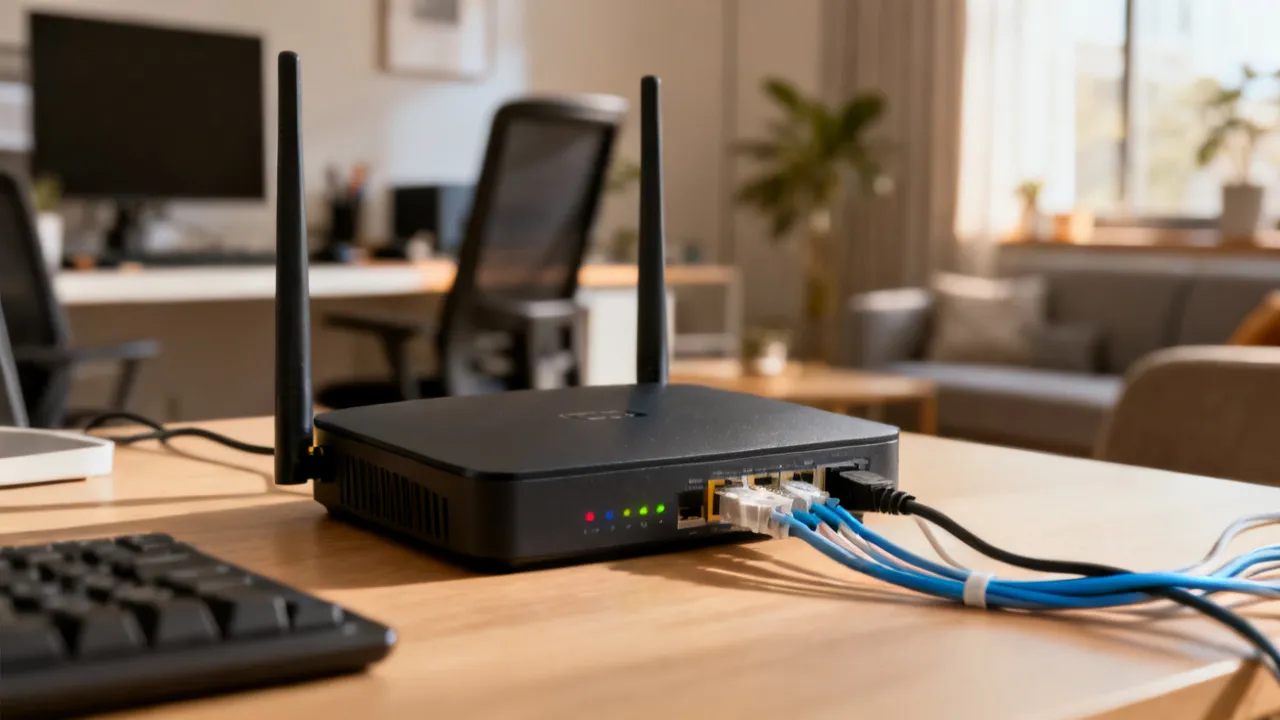
In many fiber installations, the customer premises equipment (often an ONT plus a router or an integrated gateway) converts the optical signal into standard Ethernet/Wi‑Fi for devices inside the home.
FAQ 2: Is GPON fiber always faster than cable?
Not necessarily. Cable can deliver very strong downstream speeds, and actual performance depends on network capacity, local congestion, and configuration. GPON fiber often provides stable latency and consistent performance, but outcomes vary by neighborhood provisioning and customer equipment.
A useful way to think about it is: fiber often delivers more consistent performance, while cable often delivers high peak performance that can vary more during congestion. The correct answer for a given home can be determined by checking real-world conditions and testing, not by reading only the advertised maximum speeds.
FAQ 3: What’s the biggest hidden cost when choosing an internet plan?
Often it’s not the advertised price—it’s equipment rental, installation fees, and post-intro price increases. Another frequent contributor is paying for speed you can’t use due to weak Wi‑Fi coverage or outdated client hardware.
Hidden cost can also include the cost of time: troubleshooting time, waiting for technician appointments, or buying additional networking gear because the included gateway doesn’t meet your home’s coverage requirements.
FAQ 4: How do I keep internet costs low without sacrificing reliability?
Choose a speed tier aligned with your actual usage, verify equipment inclusions, and model the total monthly cost over at least 12 months. For reliability, prioritize stable access technology (fiber where available) and optimize Wi‑Fi placement and device compatibility.
One tactic that often improves reliability without huge monthly increases is to ensure your main devices connect via Ethernet (for example, desktop computers, game consoles, and work laptops). Wired connections remove many Wi‑Fi variables and can make a mid-tier plan feel significantly better.
FAQ 5: What should I test after installing Centurylink GPON?
Run wired tests (if possible) to validate the connection, then test on primary Wi‑Fi devices in the rooms you care about very. Repeat tests at peak evening hours to spot congestion-related variability.
If you experience issues, test in the order of likely causes: first confirm the line is stable (wired), then confirm Wi‑Fi coverage (room-by-room), then confirm application-specific problems (DNS, VPN, device firmware, router settings).
FAQ 6: If I’m considering fixed wireless, what matters very?
Fixed wireless performance depends on radio conditions and router placement. Strong signal quality, clear line-of-sight where possible, and stable indoor positioning can materially influence speed and latency.
Many fixed wireless plans also have different performance behaviors during congestion and may have data policies (even if not always strict “caps”). If you’re comparing fixed wireless to fiber, it’s worth asking about priority rules and whether your plan is likely to degrade during peak demand.
FAQ 7: Are introductory prices likely to change?
In many markets, yes. Several major providers reference intro pricing and later adjustments, and equipment policies can also affect ongoing costs. You should confirm the renewal rate and any associated conditions before committing.
When evaluating any plan—GPON or otherwise—verify whether the advertised rate requires certain conditions (autopay, paperless billing, specific bundle products, or maintaining service for a minimum time). If you don’t meet the conditions, your “real” starting price might be higher.
Practical buying scenarios (how to match a plan to a household)
- Single occupant, remote work occasional: A mid-tier plan with good upload and reliable Wi‑Fi coverage is often sufficient; fiber can still be worthwhile for consistent latency.
- Family with multiple streaming devices: Consider stable downstream capacity and robust Wi‑Fi; GPON fiber can reduce contention risk compared to older cable setups, but local capacity still matters.
- Heavy gaming + video calls: Prioritize latency stability and symmetrical performance if available; test wired performance where possible.
- Where fiber is not available: Compare cable unlimited data terms vs. fixed wireless signal quality; ensure the “real” cost includes equipment and post-promo changes.
Scenario-based shopping helps you avoid overpaying. For example, a family streaming multiple 4K streams might not require a gigabit tier if Wi‑Fi quality is good and the home isn’t experiencing contention; a strong 500 Mbps plan can be enough. Conversely, if your home has poor Wi‑Fi and far-away devices, buying a cheaper tier can lead to frustration because the Wi‑Fi bottleneck will remain.
Conditions and requirements to keep in mind
Because availability and service rules vary, use the following comparison of common ordering conditions. Treat it as a decision aid rather than a contract interpretation.
| Decision point | What to verify (typical) | Why it matters |
|---|---|---|
| Address eligibility | Whether GPON fiber runs to your premises | Determines whether Centurylink GPON is an option at all |
| Equipment policy | Included gateway/router vs. rental charges | Affects monthly total cost |
| Intro pricing term | Length of promotional rate and post-term monthly fee | Prevents “rate surprise” after the first year |
| Discount eligibility | Autopay and account requirements | Ensures the plan remains at the expected cost |
| Data and usage | Unlimited vs. usage limits and congestion policies | Affects reliability and user experience |
| Contract or no-contract terms | Early termination conditions, if any | Impacts flexibility if you move or switch providers |
Additional GPON considerations that often get overlooked
Beyond the core “speed and price” factors, there are several practical details that can influence the experience of a GPON connection. These are the types of questions many customers don’t ask until after they’re already dealing with a problem.
Equipment location and cabling inside your home
Fiber service ends at specific points inside the premises: an optical termination device (ONT) and then a router/gateway or integrated gateway. The performance you experience can depend on how the connection is integrated into your house.
- Where the gateway is installed: A gateway placed in a closet or behind an entertainment center can reduce Wi‑Fi range and increase interference.
- Wiring paths: If your home supports Ethernet runs, wired devices can outperform Wi‑Fi dramatically.
- Power and surge protection: Using a reliable power strip and protecting equipment from surges can reduce instability.
- Environmental considerations: Heat, moisture, and dust around networking gear can contribute to reliability issues over time.
GPON tends to give you a strong “last mile” connection at the fiber side. But your in-home layout can still limit the usable performance across different rooms.
Latency vs. speed: gaming, conferencing, and VPN traffic
People often interpret “latency” as a minor inconvenience, but it can have measurable effects on interactive applications. Two connections with the same download speed can feel very different if one has higher jitter or occasional packet loss.
For video calls, latency spikes may not show up as immediate speed drops; instead, they manifest as audio jitter, video stutter, or intermittent reconnections. For gaming, latency and jitter can translate into higher “lag” perception and poorer match performance. For VPN work, packet loss and jitter can cause VPN tunnels to renegotiate or slow down application traffic.
Fiber services like GPON commonly provide favorable latency characteristics compared with older shared media, but you still need a stable router and a good Wi‑Fi environment for devices that can’t use Ethernet.
Symmetrical vs. asymmetrical upload
Upload is frequently misunderstood. Many customers focus on download speed because streaming, browsing, and most downloads are downstream-heavy. But upload matters for:
- Cloud backups
- Video calls
- Remote desktop sessions
- Live streaming
- Sending large files to colleagues, clients, or your own storage
If Centurylink GPON provides symmetrical or near-symmetrical upload on your tier, the difference can be immediately felt in daily tasks. If upload is capped significantly lower, you might experience slower upload times even when streaming feels great.
Network sharing and peak-hour behavior
Because GPON segments can be shared, performance can change with neighborhood usage patterns. This does not mean fiber is “bad,” but it does mean that the best evaluation includes checking behavior at peak times. You can do this by:
- Running tests in the evening versus late night
- Observing your connection while family members stream or work simultaneously
- Monitoring whether calls degrade during specific hours
If peak-hour issues show up only on Wi‑Fi but not on Ethernet, the cause is likely in your local network rather than the fiber segment. If it shows up on Ethernet too, provider-side congestion or provisioning might be involved.
DNS performance and “it feels slow” troubleshooting
Sometimes perceived slowness is not a bandwidth issue. DNS resolution delays, misconfigured DNS servers, or routing anomalies can cause pages to load slowly even when speed tests look acceptable.
Some troubleshooting steps customers can consider:
- Comparing performance when using different DNS services (if the provider supports it)
- Checking whether the issue affects all devices or only one
- Testing on wired and wireless to isolate the path
- Checking whether VPN or security software affects connection behavior
GPON connections can be extremely fast at the physical layer, but your experience depends on end-to-end performance. If you’re experiencing repeated slow page loads, it can be worthwhile to capture timestamps (when the slowness occurs) and compare with provider support or logs.
Managing Wi‑Fi for reliability: SSIDs, channel selection, and hardware capability
Wi‑Fi configuration can matter more than many customers expect, especially in multi-device homes. Common improvements include:
- Using one or two SSIDs thoughtfully: Some routers use band steering to manage 2.4 GHz and 5 GHz. Others require selecting bands manually. Either way, consistency helps.
- Avoiding crowded channels: In dense areas, 2.4 GHz is often crowded. 5 GHz typically has more available channels but depends on interference.
- Upgrading router firmware: Providers sometimes push firmware updates that improve stability or fix bugs.
- Considering mesh backhaul: If mesh nodes communicate over Wi‑Fi, throughput can drop relative to wired backhaul. If your home can support Ethernet, that’s often the best backhaul approach.
GPON can deliver fast data, but your Wi‑Fi setup determines how consistently that data reaches your devices throughout the home.
Equipment replacement strategy and future-proofing
Because technology evolves, it can be tempting to buy the newest equipment the moment you choose a fiber plan. However, future-proofing should be targeted. A practical strategy is to:
- Start with what matters today: Ensure your router can handle your current device count and usage patterns.
- Prioritize coverage: If you have dead zones, fix that first; don’t overpay for high-tier speeds you can’t use.
- Plan upgrades gradually: Replace old devices and Wi‑Fi gear when they fail or no longer meet your needs.
This approach helps you keep costs low while maintaining reliability—exactly the goal of evaluating internet plans through the lens of total cost of ownership.
Where to go next
If you are specifically evaluating Centurylink GPON, the very effective next step is to compare multiple providers available at your address and then test coverage constraints (Wi‑Fi performance and installation details). If Centurylink GPON is available, it often serves as a strong baseline option due to fiber’s structural advantages; however, the top deal is still the plan that fits your usage profile at the lowest total cost over the period you expect to stay.
To make the final decision, you’ll typically want to do three actions: (1) confirm equipment inclusions and costs, (2) check whether upload symmetry and tiering match your needs, and (3) plan for in-home Wi‑Fi reliability—either through correct placement, wired connections for key devices, or a mesh upgrade if necessary.
Disclaimer
1)The above information comes from online resources, and the data is as of October 2023. 2)The specific access requirements and methods are subject to the official requirements of the Internet service provider. This website will not be updated in real time.
References and links: