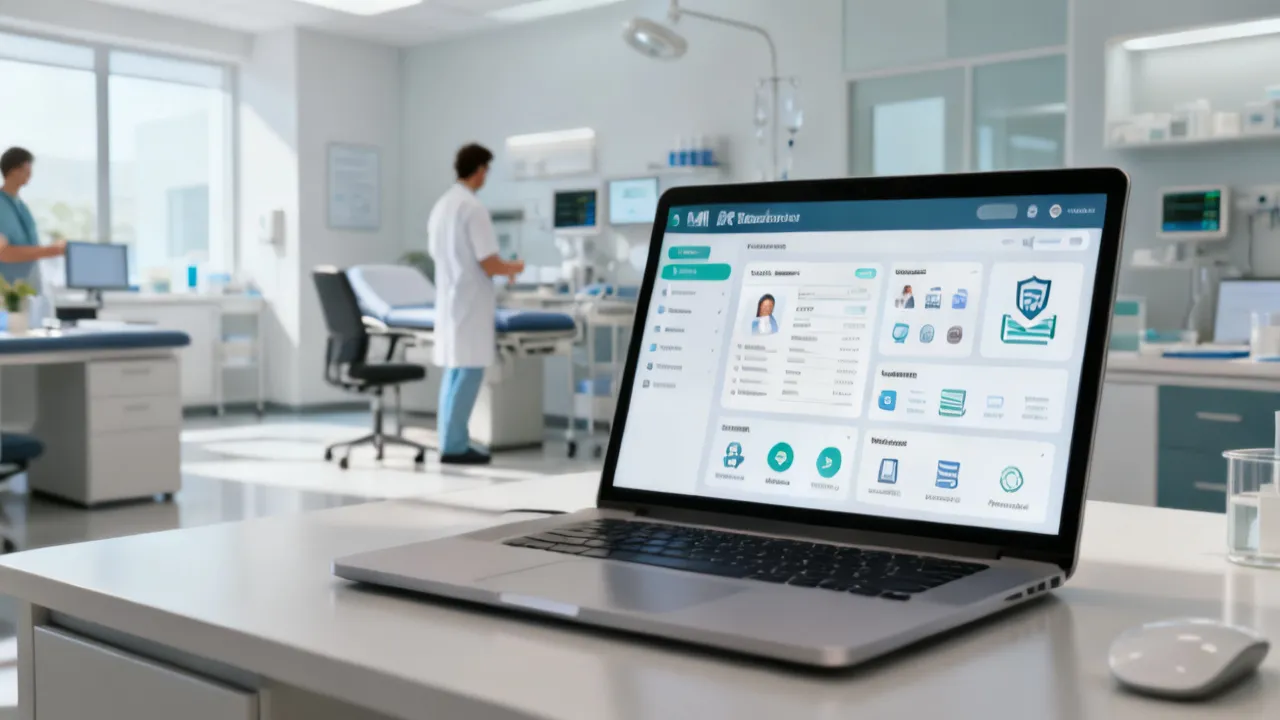
OpenEMR Demo Guide for Clinic Teams
This guide explains how an OpenEMR Demo environment helps clinic teams evaluate workflows before deployment. It offers objective background on OpenEMR, electronic health records, integration needs, and evaluation criteria. Readers will learn what to test, what to verify with vendors, and how to prepare staff training to reduce implementation risk.
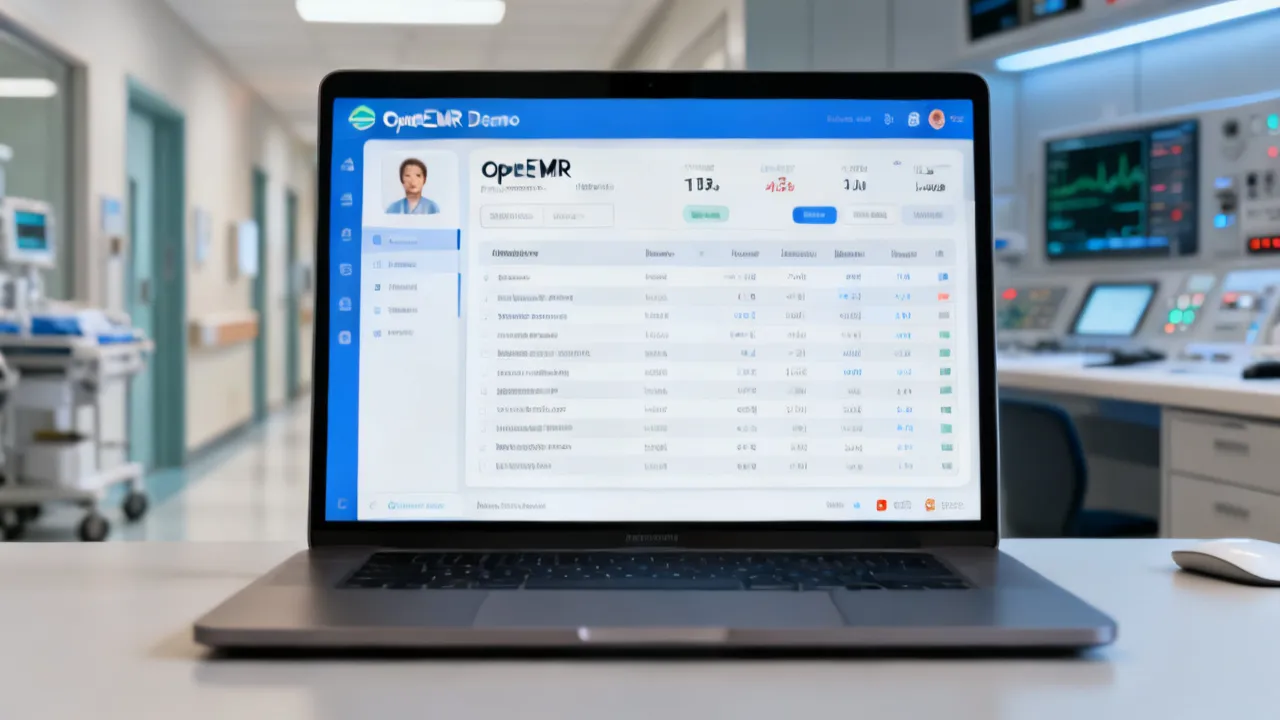
Why an OpenEMR Demo Matters for Clinic Decision-Making
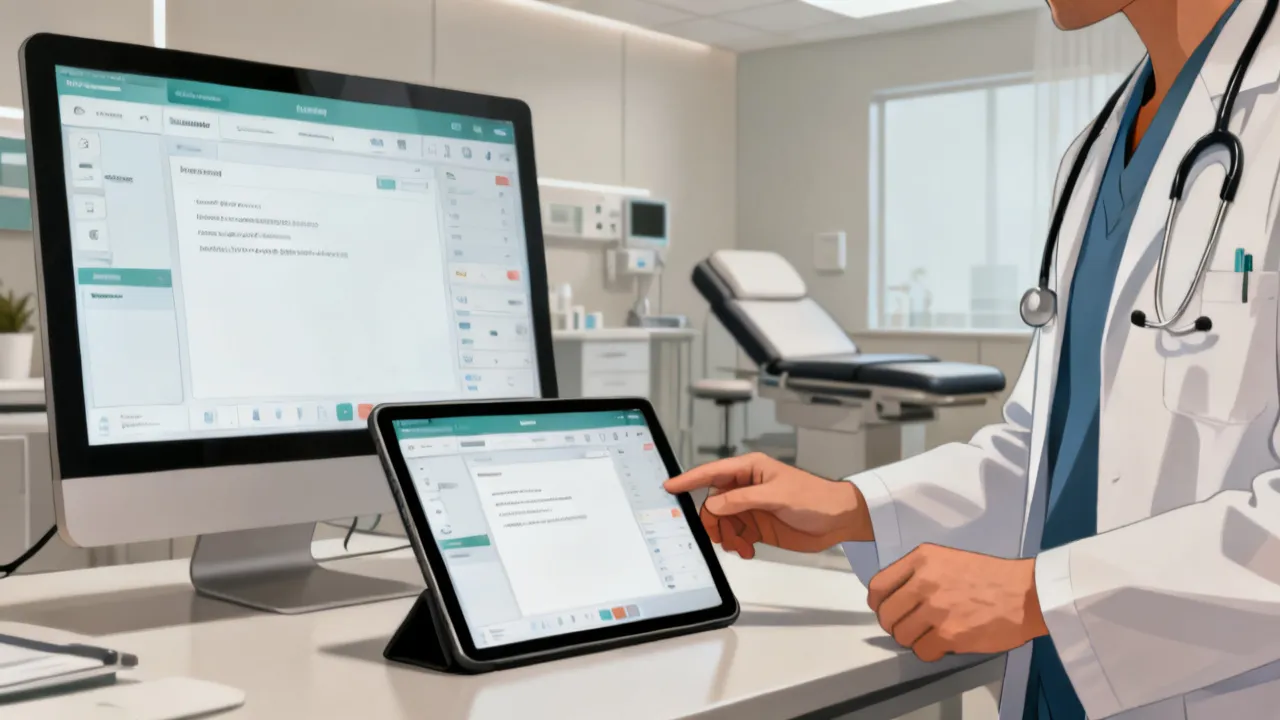
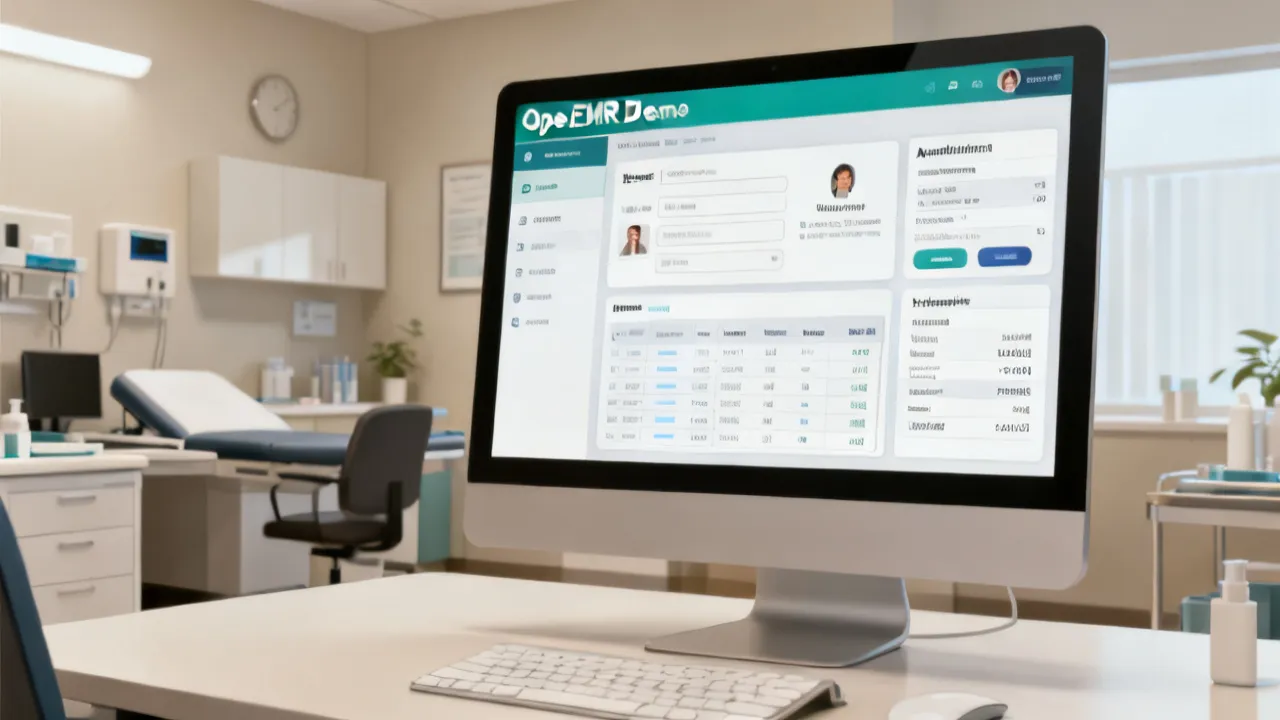
An Openemr Demo is very valuable when it functions as a practical testing ground for real clinic workflows—appointments, documentation, billing-relevant fields, clinical history, and reporting—so your team can validate fit before committing to a full rollout. From an industry perspective, clinics should treat the demo as a structured evaluation, not a sales walkthrough: confirm data model assumptions, user permissions, template behavior, interoperability options, and operational turnaround for common tasks.
In many organizations, the biggest failure mode during EMR selection isn’t that a platform lacks features—it’s that those features don’t behave the way your clinic expects once they’re used by busy humans. A demo that mirrors day-to-day reality helps you predict adoption outcomes: whether clinicians will actually enter data consistently, whether front desk staff can complete scheduling steps without friction, whether quality teams can extract reports without manual effort, and whether administrators can confidently manage access and auditing. When you evaluate carefully in a demo environment, you reduce the risk of late-stage surprises and rework during implementation.
Think of the demo as a low-cost rehearsal for go-live. The point is not to memorize the interface; the point is to stress-test workflow logic. For example, can your team document a patient encounter while preserving structured data for later retrieval? Can staff find the right previous information quickly enough to make clinical decisions and avoid redundant work? Can you manage exceptions—missing demographics, new vs. returning patient identity issues, provider changes, or cancellations—without creating errors? These practical questions belong in the demo, not months later when you’re locked into a configuration.
Objective Background: What “OpenEMR Demo” Typically Covers
“OpenEMR Demo” commonly refers to a guided instance of an electronic medical record (EMR) system where prospective users can explore core features without installing the full product on their own infrastructure. In healthcare IT, that exploration should mirror clinical reality—how patients move through intake, clinician documentation, follow-ups, and administrative outcomes—because EMR adoption success depends as much on workflow design as on software capabilities.
OpenEMR (often written as OpenEMR/Openemr in informal references) is an open, configurable electronic health record platform used by clinics and organizations to manage patient data, clinical documentation, scheduling, and reporting. Because each clinic’s operational constraints differ—staff roles, appointment cadence, language preferences, and compliance needs—the demo stage is where teams can identify configuration requirements early.
It’s helpful to clarify what “demo” means in your procurement context. Some suppliers offer a “feature tour” where screens are shown quickly, with limited depth on roles, permissions, and reporting outputs. Others provide a “hands-on workflow validation” session where your team can actually perform representative tasks using realistic sample data. The latter is far more valuable. When you’re planning evaluation, ask your supplier to confirm whether the demo environment supports role switching, template edits, report generation, and patient record navigation without artificial constraints.
Key Evaluation Priorities for Your Openemr Demo
When evaluating an Openemr Demo, focus on measurable workflow outcomes and operational safety. The goal is to reduce uncertainty around how the software behaves under everyday pressure: busy days, multi-user usage, imperfect data entry, and routine documentation updates.
To make the process systematic, define success in terms of “time, error, and completeness.” Time refers to how long typical tasks take. Error refers to how likely staff are to mis-enter information or reach the wrong screen. Completeness refers to whether required data elements are captured consistently enough to support later clinical review and reporting needs.
Also evaluate not only what clinicians can do, but what administrative staff can do. Many EMR systems succeed or fail because of the handoff between administrative intake and clinical documentation. If the front desk can’t correctly schedule visits, pre-populate necessary information, or manage patient identity resolution, clinicians experience downstream friction.
1) Clinical Documentation Fit
Test how clinicians enter notes, structured fields, vitals, problem lists, allergies, and encounter summaries. In an expert assessment, you should verify:
- Template usability: Can clinicians complete common documentation quickly without excessive clicking?
- Consistency: Do the same data elements appear in predictable locations across visits?
- History visibility: Can staff find prior results and diagnoses efficiently?
- Auditability: Are changes trackable in ways that support clinical governance?
To expand the evaluation beyond “can we type notes,” test the difference between structured vs. unstructured documentation. Many clinics use EMRs to ensure that specific clinical fields—like medications, allergies, conditions, immunizations, and problem lists—are captured in standardized ways so they can be reviewed later. During the demo, have clinicians perform tasks such as medication reconciliation with at least three scenarios: stable medications unchanged, a new medication added, and an allergy that changes over time. Watch whether the interface supports structured selection where possible, while still allowing quick clinical narrative when needed.
Consider also your clinic’s documentation philosophy. Some clinics prefer highly structured visits (for example, specific checkboxes and standardized scoring). Others allow more narrative style documentation. OpenEMR’s flexibility can support multiple approaches, but configuration matters. In the demo, confirm whether your team can configure templates that match your clinical approach, and whether doing so requires technical involvement beyond typical clinic IT staff.
Another practical test is the “return visit burden.” During the demo, create a patient with a past encounter and ensure that on the next encounter the system pulls forward what should be pulled forward. Can the clinician quickly review prior history? Can they update problem lists or medications without repeatedly re-entering unchanged data? If the system fails to preserve context, clinicians may circumvent structured workflows or delay documentation.
Finally, verify the documentation experience in a realistic time constraint. Have a clinician time a typical note completion task: not the shortest possible note, but a representative note with medications, vitals, brief assessment and plan, and at least one follow-up instruction. Track how long it takes to complete and how often the clinician gets lost in the interface.
2) Scheduling and Patient Flow
For many clinics, scheduling is the “front door” of the EMR. During your Openemr Demo, verify appointment scheduling rules and what staff can do when plans change (cancellations, reschedules, no-shows). Consider whether the system supports:
- Role-based access for front desk vs. clinical staff
- Consistent patient identity handling
- Reason codes or visit types that match your operations
- Fast retrieval of a patient chart from the scheduling screen
Scheduling evaluation should include more than creating a single appointment. Clinics often need to manage overlapping appointment types, varying appointment lengths, and workflow differences between new patient visits and follow-up visits. In the demo, test appointment types that mirror your actual schedule: for example, a standard follow-up, a longer initial intake, a procedure visit, or a quick check-in. Confirm whether scheduling correctly drives what happens in the chart: does the chart open with the right encounter type pre-selected?
Also test the “patient identity” workflow. In real life, staff encounter partial information, duplicate records risk, and situations where a patient’s demographic details change. Ask how the system handles identity matching when a new patient is created or when demographic data updates occur. A robust EMR should support clear rules to prevent duplicates and should show staff how to resolve potential matches without confusion.
Test operational scenarios such as: a patient calls to reschedule; the appointment changes from provider A to provider B; the visit type changes from follow-up to a longer initial consultation; or a patient is marked as a no-show and you need to document accordingly (depending on your operational policy). In the demo, don’t assume these steps will be easy—make your team attempt them. If the workflow is unclear, it will likely be a problem during live operations.
Consider how the schedule integrates with documentation. Many clinics need to open an encounter quickly from a schedule view so clinicians can see what they’re scheduled to address. Evaluate how smooth the navigation is: how many clicks to locate the chart? Does it open directly to the right encounter page? Can clinicians confirm schedule details inside the chart?
Lastly, check whether scheduling supports the staffing model of your clinic. For example, if different staff types (nurses, assistants, clinicians) each perform different steps during a visit, does the scheduling and workflow allow role-appropriate access and task assignment? If yes, verify the role permissions. If no, consider whether you would need manual workarounds.
3) User Permissions and Safety Controls
An implementation risk often comes from mismatched permissions—someone can do too much, or too little, leading to workarounds. In your demo, evaluate:
- Granular roles: Can you restrict access to sensitive clinical sections?
- Operational safeguards: Are destructive actions protected by prompts or approvals where needed?
- Training footprint: Does the interface support “right action, right role” without confusing staff?
Permissions evaluation should be explicit. Ask your supplier to demonstrate how roles are configured and enforced. For instance, can front desk staff schedule and update appointment statuses without being able to view sensitive clinical sections? Can clinicians document notes without being able to modify billing-critical fields if that’s not their role? Can coordinators generate patient lists for care management without seeing everything they shouldn’t?
Test common risk actions. Create a scenario where a patient record might be accidentally accessed, and then verify the interface limits. Similarly, test if staff can delete or modify data and whether confirmations appear. In high-reliability environments, destructive actions should be protected and logged. During the demo, check audit logs or activity tracking features to confirm that the system can show who did what, when, and possibly why (depending on configuration).
Also evaluate the “permission clarity” for users. In a demo, it’s easy to ignore this because there may only be one user. But a clinic has multiple staff members with overlapping responsibilities. Verify whether the interface hides or disables options based on role (rather than merely blocking actions behind the scenes). This affects usability and training: if users attempt actions they’re not allowed to perform, you need a UI that explains what’s permitted without causing frustration.
Finally, consider governance needs. Many clinics operate with internal policies about who can edit clinical histories, how corrections are made, and whether changes require review. Ask how the system supports such workflows. If it supports versioning or audit trails, confirm whether those records are accessible to relevant governance roles.
4) Reporting and Operational Visibility
Reporting matters for quality improvement and clinical oversight, but it must be practical. During the demo, ask to see how common reports are generated and whether they are editable. Evaluate:
- Whether reports can answer questions your leadership actually asks
- How data filters work (date ranges, encounter types, providers)
- Export options for internal review processes
- Whether report definitions are transparent to your team
Clinics often need reports for operational questions like: How many patients had a given diagnosis within a time window? Which patients are overdue for follow-up? What is the distribution of appointment outcomes? How many encounters meet certain documentation completeness criteria? Some clinics also need reports to support compliance, quality measurement, or internal performance metrics.
During your demo, choose at least two real questions leadership cares about and see how quickly your team can produce answers. For example: (1) “Show patients with hypertension with at least one blood pressure recorded in the last six months” and (2) “Show appointments for provider X this week that are marked as completed vs. no-show.” Even if the exact report layout differs from what you expect, the key is the practicality of filtering and retrieval.
Test report editability. Some systems provide reports that can’t be easily modified, while others allow you to adjust filters and parameters. If your clinic expects to tailor reports, confirm whether that can be done by clinic staff or requires vendor involvement. Also verify whether exports are available in common formats such as CSV or Excel, and whether the exported data includes the fields you need for analysis.
Reporting should also support longitudinal patient views. If your clinic uses registries or care management lists, evaluate whether the system can identify patient cohorts based on structured data fields. In a demo, ask to see a “care list” or “patient list” feature if available, and test how it behaves when patient data changes (e.g., medication updates, diagnosis updates, missing follow-up scheduling).
Finally, evaluate the transparency of reporting logic. If report results don’t match expectations, you need to know why. Transparent reporting definitions reduce the risk of “black box” dashboards that leadership can’t trust. Ask your supplier how reports are built and whether logic is accessible to admin users.
5) Integrations and Data Portability Considerations
Even if the demo looks polished, the hardest part of EMR adoption is often integration—labs, imaging, patient communications, billing-related workflows, or other clinic systems. For an Openemr Demo review, seek clarity on:
- Supported integration standards or approaches
- How data mapping is handled between systems
- Whether integration configuration requires vendor support
- How upgrades affect customizations
Integrations aren’t just a technical feature; they influence daily clinical workflow and data completeness. For example, if lab results appear late or in an unfamiliar format, clinicians may delay review or re-enter data manually. If imaging results aren’t linked properly, clinicians may not have complete context at the point of care. If patient communication tools aren’t integrated, front desk staff may handle messaging outside the EMR, increasing the risk of missed instructions.
In the demo, ask what integration points are available and how they can be demonstrated. If labs or imaging aren’t connected in the demo environment, don’t settle for screenshots alone. Request a follow-up technical session where you can see example messages or how test data flows from an external system into OpenEMR. Ask what standards are used (for example, HL7 variants, FHIR-based approaches, or file-based imports) and how mapping is configured.
Data portability is also critical. Ask how patient data can be exported if you need to switch systems in the future, and whether structured data can be extracted in a usable format. Even if migration isn’t immediate, knowing the exit path reduces procurement risk.
Also consider the impact of upgrades. Many clinics are concerned that upgrades break custom templates or integrations. Ask how upgrades are managed, whether there’s a staging environment, and how configuration changes are handled across versions. During the demo, request information on the maintenance process: how quickly security patches are applied, how release notes are delivered, and how clinics can test upgrades before going live.
If the demo includes any customization or scripting, ask what dependencies exist and whether that customization is supported long-term. Your goal is to understand not just current capabilities but future operational stability.
Industry Context: EMR Value Depends on Implementation, Not Just Features
Healthcare IT research has repeatedly shown that EMR benefits emerge when organizations plan for adoption, training, and safe workflows. For a reliable reference point, organizations often cite government and policy research on health IT outcomes and adoption barriers. One commonly referenced source is the U.S. Agency for Healthcare Research and Quality (AHRQ), which publishes evidence summaries on health IT implementation and usability considerations. Another is the National Coordinator for Health Information Technology (ONC), which emphasizes adoption and interoperability planning in its materials.
Sources (for background evidence and adoption framing): AHRQ health IT evidence resources; ONC health IT guidance and interoperability materials.
From a decision-making standpoint, this framing matters because it shifts your evaluation from “Does it have the feature?” to “Will it work for us consistently?” Clinics often underestimate the time needed for training, template refinement, role configuration, and the process of learning how structured documentation impacts downstream reporting. A well-run demo helps you plan that adoption work before you commit.
In addition, consider usability and human factors. EMR interfaces can increase cognitive load if they require frequent navigation, if they hide important information, or if they present too many optional fields at once. The best demo environment allows you to experience the flow of tasks and assess whether staff will adapt easily.
Finally, implementation is also about safety. Permission mismatches, unclear audit trails, and error-prone workflows can create clinical and operational risk. These risks don’t disappear because a system is “feature-complete.” A demo should expose these risk points early so your team can decide how to manage them.
Comparison Table: Openemr Demo Approaches and What to Expect
The items below are presented as comparison points you can use while you test. Requirements vary by vendor, hosting model, and configuration, so treat the table as a structured checklist rather than a guarantee.
| Demo Component | What to Check in the Demo | Why It Impacts Rollout | Typical Requirement/Condition |
|---|---|---|---|
| Clinical templates | Time to complete notes; field clarity; consistency across visits | Reduces documentation friction and incomplete records | Templates should align with your specialty workflow and terminology |
| Role-based access | Front desk vs. clinician permissions; audit visibility | Prevents unsafe overrides or workarounds | Define roles before go-live planning |
| Patient matching | How new vs. existing patients are handled | Avoids duplicate records and downstream reporting issues | Requires clear patient identity rules for your environment |
| Scheduling workflow | Appointment changes and chart access from schedule view | Minimizes front-desk interruptions | Configure appointment types and visit reasons in advance |
| Reporting outputs | Usability of common queries and exports | Enables quality and operational oversight | May require definition work or configuration support |
| Integration readiness | Connectivity to labs/imaging/other tools (if applicable) | Determines whether data exchange is feasible | Needs mapping and testing with your existing systems |
Step-by-Step Guide: How to Run a Structured Openemr Demo Evaluation
To keep the demo from becoming a generic walkthrough, run it like a pilot exercise. Below is a practical approach you can apply regardless of supplier model.
Step 1: Define Success Criteria Before the Demo
- List the top 10 daily tasks (e.g., intake documentation, progress notes, medication reconciliation, follow-up scheduling).
- Assign each task an owner from clinical and administrative teams.
- Set measurable targets (time-to-document, error rate expectations, ease of locating prior data).
Going one step further, define what “acceptable performance” means. For instance, you might set a target such as: within a five-minute window, a clinician should be able to locate a patient, open the correct encounter type, document vitals, update medications, and submit an assessment/plan draft. Similarly, a front desk owner might define acceptable performance as: within two minutes, the staff member should be able to update an appointment status, reschedule, and open the correct chart view needed for check-in.
Also set criteria for data completeness. Decide which fields must be captured every time and which fields are optional. Your demo should reflect whether the interface supports mandatory fields clearly and whether it prevents incomplete encounters.
Step 2: Prepare Use-Case Scenarios
- Create realistic scenarios using patient examples (new patient intake, returning patient follow-up, abnormal lab result review flow).
- Include edge cases (missing data, changes in provider, appointment rescheduling).
Use cases are most effective when they include realistic context. Instead of using a “blank patient,” consider preparing a patient with a history: previous conditions, medication list, allergies, and immunizations. For an abnormal lab scenario, include at least one prior lab value to confirm how trend or historical results appear in the chart.
Edge cases should mirror real frustrations your staff has encountered. Examples include: a patient forgets to bring identification and the front desk has partial demographic data; a patient updates insurance information mid-process; a clinician needs to correct a medication due to an allergy documented previously; or a visit is reclassified from one visit type to another. Scenarios like these test whether the system supports flexible but safe workflows.
Step 3: Test Role-Based Workflows
- Have the front desk run scheduling tasks.
- Have clinicians document using your expected template patterns.
- Have a coordinator attempt reporting or care list retrieval.
Role switching during the demo is crucial. If only one user account is available, permission evaluation becomes theoretical. Ask your supplier to set up at least three role accounts aligned with your clinic: front desk/scheduling, clinician/provider, and administrator/coordinator. Then have each role perform their tasks. Track what they can and cannot do, and whether they can complete tasks without needing to ask someone else for access.
Also evaluate the handoff between roles. For example: after front desk check-in updates the patient status, does the clinician see what they need? After clinician documentation, does the coordinator see the structured outcomes they need to populate a follow-up list? Handoffs are where many workflows break.
Step 4: Validate Data Handling and Visibility
- Check where key data appears (problem lists, allergies, medications, immunizations).
- Confirm how updates are reflected across future visits.
- Verify that users cannot accidentally view or edit sections they shouldn’t access.
In structured EMR workflows, data visibility is as important as data entry. A clinician needs fast access to prior medications and allergies. A coordinator may need to identify patients with certain conditions. A leadership team may need aggregated data for quality review.
During the demo, test navigation. Don’t simply accept that “data exists.” Ask your staff to locate it quickly. For example: “Find the patient’s last documented allergy and check whether it appears in the same section every time.” Similarly: “Locate the last three blood pressure readings and assess whether they’re easy to compare.” These tasks mimic real clinical decision support needs, even if the system doesn’t provide formal clinical decision support algorithms.
Also check for cross-visit persistence. If the clinician updates the medication list in a visit, does it carry forward into the next visit? If an appointment type drives specific forms, does the next visit reflect those changes? Confirm that your team can trust the continuity of the record.
Step 5: Stress-Test Performance in Practical Terms
- Simulate multiple users if the demo environment allows it.
- Test common operations repeatedly (search patient, open chart, add note, close encounter).
- Note any delays or confusing screen transitions.
Performance doesn’t have to be measured with scientific instrumentation; in a demo, what matters is whether the system feels responsive enough for real workflow. Ask participants to note delays when opening charts, saving notes, or switching between tasks.
Stress-test with repetition. For example, run the “search patient and open chart” sequence multiple times with similar patients. If search results are inconsistent or require extra steps, it will likely frustrate staff during live operations. Also test whether there’s a natural path to return to the schedule or to close encounters quickly without excessive navigation.
Step 6: Ask Supplier-Specific “Operational Reality” Questions
- What is required to configure your templates and roles?
- Who performs integration work—your team, the supplier, or a specialist?
- How upgrades impact customization and workflows?
- What training materials exist for ongoing onboarding?
Operational reality questions help you understand the division of labor between your clinic and the supplier. In practice, clinics often need help with complex configuration at the start, but they also need autonomy afterward to manage templates and roles as staffing changes.
Ask who owns template configuration: will your clinic be trained to edit templates, or will supplier support be needed every time? If the latter, you need to account for ongoing costs and response time for changes. Ask about support processes: how tickets are handled, expected turnaround times, and what types of requests qualify for different support levels.
For integrations, ask not only what’s supported but also how much effort is required to maintain it. Integrations can degrade over time due to changes in external systems. Ask whether the supplier offers monitoring, version compatibility checks, and a plan for updates.
Step 7: Produce an Internal Decision Summary
- Score the demo against your success criteria.
- Document unresolved gaps and request follow-up evidence.
- Decide whether you need a deeper technical session (data, integrations, security model).
After the demo, don’t just discuss impressions; convert it into a decision-ready document. A useful internal summary includes: what worked well, what didn’t, and which issues you could resolve with configuration versus which issues would require redesign or are deal-breakers.
Also include a “confidence rating.” For each success criterion, rate confidence in your ability to achieve the target based on what you saw. For example, you might rate high confidence that scheduling supports your appointment types, medium confidence that templates can be configured quickly, and low confidence that reporting outputs match leadership needs. Low confidence items should trigger follow-up sessions with specific evidence requirements.
Finally, ensure you capture the “questions list.” Suppliers sometimes respond later to informal questions differently than they do to formal, documented requests. A structured list helps procurement and engineering teams coordinate follow-up.
Conditions and Requirements to Clarify with Suppliers
When organizations compare Openemr Demo offerings from different suppliers, outcomes often depend on conditions that are easy to overlook. You can reduce surprises by confirming the following:
- Environment scope: Is the demo limited to a subset of features or does it cover end-to-end workflows?
- Data realism: Are demo records representative of your patient population and documentation needs?
- Configuration effort: How much setup is required before staff can perform realistic tasks?
- Security approach: How are roles and permissions managed within the demo context?
- Support pathway: Who answers questions during evaluation and who supports configuration afterward?
It’s particularly important to clarify whether your demo is running on a preconfigured environment that already includes certain configurations, such as templates and roles. If those settings are already tuned, your clinic’s actual setup effort might be higher. Conversely, if the demo requires less configuration than you’d need in the real system, your perception of ease may be misleading. Ask how the environment is prepared and what elements are generic versus customized.
Also clarify whether the demo includes your specific specialties or workflows. A general demonstration may not cover specialty-specific documentation or the clinical data you need for your patient population. If your clinic practices a specialized domain, ask for a demo sequence tailored to that domain. If not available, request a follow-up session where you can at least test representative documentation fields.
Clarify whether the demo environment uses synthetic data, de-identified real data, or a mixture. Data realism affects usability assessment. If the sample data is too clean—perfect demographics, consistent codes, and simplified histories—then the demo may not reveal workflow friction you will face with real records.
How Pricing, Hosting, and Supplier Model Influence the Demo Experience
You asked for price information and supplier details to be incorporated. However, since no explicit numeric pricing, vendor names, or location-specific supplier identities were provided, the very responsible approach is to describe how pricing models typically affect what you see in an Openemr Demo. Clinics should treat price as intertwined with implementation scope: configuration, training, hosting responsibilities, support levels, and integration testing.
In practice, demo experiences may differ when a supplier offers different package tiers. For example, a “feature demonstration” tier may focus on interface screens, while a “workflow validation” tier may include deeper configuration, more realistic data handling, and additional session time for staff role testing. Because pricing frameworks can vary widely by country regulations, hosting preferences, and scope of services, any numeric claims should be confirmed directly with the supplier through a formal quote.
Even without numeric pricing, you can evaluate how the supplier’s model influences your real cost and risk. For example, a lower-priced demo package may not include technical access to modify templates or export reports. That means you might not fully validate your operational needs. A higher-priced package may include deeper technical sessions, staff training time, and integration testing—all of which can reduce uncertainty during procurement.
Hosting model also influences the demo experience. If the EMR is hosted, you may not control infrastructure details but may benefit from supplier-managed uptime and updates. If self-hosted, you may have more control but also more responsibility for maintenance, security, and upgrades. During the demo, ask what level of infrastructure management is included, what access you’ll have to configuration, and what constraints exist. For example, do you have the ability to test performance at different times? Is there a staging environment for configuration testing?
Another factor is the supplier’s implementation approach. Some suppliers provide a standardized rollout playbook, including training materials, template baselines, and onboarding checklists. Others may provide “best effort” support based on your needs. In a demo, ask how the supplier supports implementation planning: do they help you map workflows? Do they offer a project plan with milestones? Do they provide a configuration checklist aligned to security and documentation requirements?
Also understand what your clinic is paying for in ongoing support. If the supplier’s support model is limited, you might need to allocate internal IT resources for ongoing modifications. In that case, the demo should include evidence that your team can handle configuration or that support turnaround times are adequate.
FAQs About Openemr Demo
1) What exactly should we test during an Openemr Demo?
Test your top workflows end-to-end: scheduling, patient search and chart access, clinical documentation templates, role-based permissions, retrieval of past records, and any reporting outputs your leadership needs. Include a few realistic edge cases (rescheduling, missing fields, and quick chart review).
To make testing more robust, assign each test to a “task owner” and record results immediately after the test. This avoids losing details and makes it easier to compare outcomes across different EMR demos.
2) Is an Openemr Demo enough to decide on full implementation?
It can be a strong foundation, but decision quality improves when you also validate configuration effort, integration readiness, and security/support conditions. A demo rarely captures every operational nuance of day-one and day-two operations.
For better decision quality, pair the demo with follow-up validation sessions. For example, if reporting outputs are critical, request a deeper session focused on report definitions and export formats. If integration is critical, request a session demonstrating test data exchange flows.
3) Can we validate integrations during the demo?
Sometimes, depending on the supplier and environment. If labs, imaging, or other external systems are in scope, request a follow-up technical session that includes mapping and test data exchange scenarios rather than relying only on interface screenshots.
If you can’t get full integration testing in the demo, at least confirm the planned path: how the integration is configured, what standards are supported, and what level of testing the supplier expects before go-live.
4) How do we evaluate usability objectively?
Use structured tasks with assigned owners and record time-to-complete and error points (e.g., difficulty locating prior results, unnecessary steps to complete a note, or confusion around field meanings). Then compare these results against your baseline workflows.
To reduce bias, consider a simple rubric: rate each task from 1 to 5 for ease, clarity, and workflow fit. Collect qualitative notes from participants on what felt confusing or time-consuming.
5) What should we ask about user permissions and audit trails?
Ask how roles are defined, which screens and data elements are protected, and how changes are tracked. Your goal is to ensure clinical governance and safe operational behavior under normal usage.
Also ask how audit trails can be reviewed. In case of clinical governance or compliance needs, you want to know whether you can retrieve the relevant logs quickly and whether they include enough detail.
6) What documents or evidence should the supplier provide after the demo?
Request a written summary of what was demonstrated, configuration assumptions, integration capabilities, support model details, and a proposed rollout plan (including training approach and validation steps). If available, ask for reference documentation tied to adoption and interoperability practices.
If possible, request evidence such as sample screenshots of configured templates, sample report outputs, and any documentation on how role-based access is managed. Written clarity reduces the risk of misunderstandings later.
7) Will the demo match our clinic’s workflow out of the box?
Often not fully. Many EMR implementations require configuration of templates, roles, appointment types, and documentation standards. The demo should show how that configuration is supported and what effort is expected from your team vs. the supplier.
When this is unclear, ask for a configuration plan: which elements you need to configure yourself, which elements the supplier configures, and what the timeline looks like. The more concrete the plan, the less procurement risk you carry.
Practical Takeaways for Clinic Teams
- Approach Openemr Demo as a structured workflow validation exercise.
- Prioritize clinical documentation efficiency, patient flow, and role-based safety.
- Clarify integration readiness and upgrade impact on custom configuration.
- Use success criteria and task-based evaluation to reduce subjective bias.
- Confirm conditions and requirements in writing—especially around configuration effort, support, and reporting expectations.
Another practical takeaway is to treat the demo as a data quality assessment. Because EMRs rely on structured data, the quality of inputs matters. If the system makes it difficult to enter information correctly, it can degrade data integrity over time, which then undermines reporting, audits, and care management lists.
Finally, ensure you schedule the demo with enough internal time. A rushed demo leads to shallow evaluation and missed details. Build in a debrief session immediately afterward so participants can capture results while impressions are fresh.
Suggested Next Steps After Your Demo Session
After the demo ends, schedule a short internal debrief with clinical leads, front-desk leadership, and IT/operations. Consolidate findings into: (1) what works immediately, (2) what requires configuration, (3) what is unresolved (security, integrations, reporting), and (4) which questions require supplier follow-up. This disciplined approach is the very reliable path to turning an Openemr Demo into an informed implementation decision.
Then translate your findings into procurement-ready actions. For example, you can request: (a) a follow-up session focused on your documentation templates, (b) a technical workshop on integration and mapping, or (c) a security review meeting with the supplier’s implementation team. Align each request to a specific gap you documented, so the supplier understands what evidence you need.
As you proceed, keep your success criteria visible. If a demo impresses you but doesn’t meet key workflow thresholds (time-to-document, permissions safety, reporting practicality), it doesn’t fully solve your problem. The goal is to find the EMR that best fits your clinic’s real operating constraints, not just the one that looks best in screenshots.
Note on Location and Keyword Constraints
No location-specific city or country content was provided beyond the placeholder keyword pattern, so this article avoids substituting any city/country names. If you share your clinic’s location and any supplier/price details you’ve received, the evaluation table and requirements can be tailored to your local operational context and procurement process.